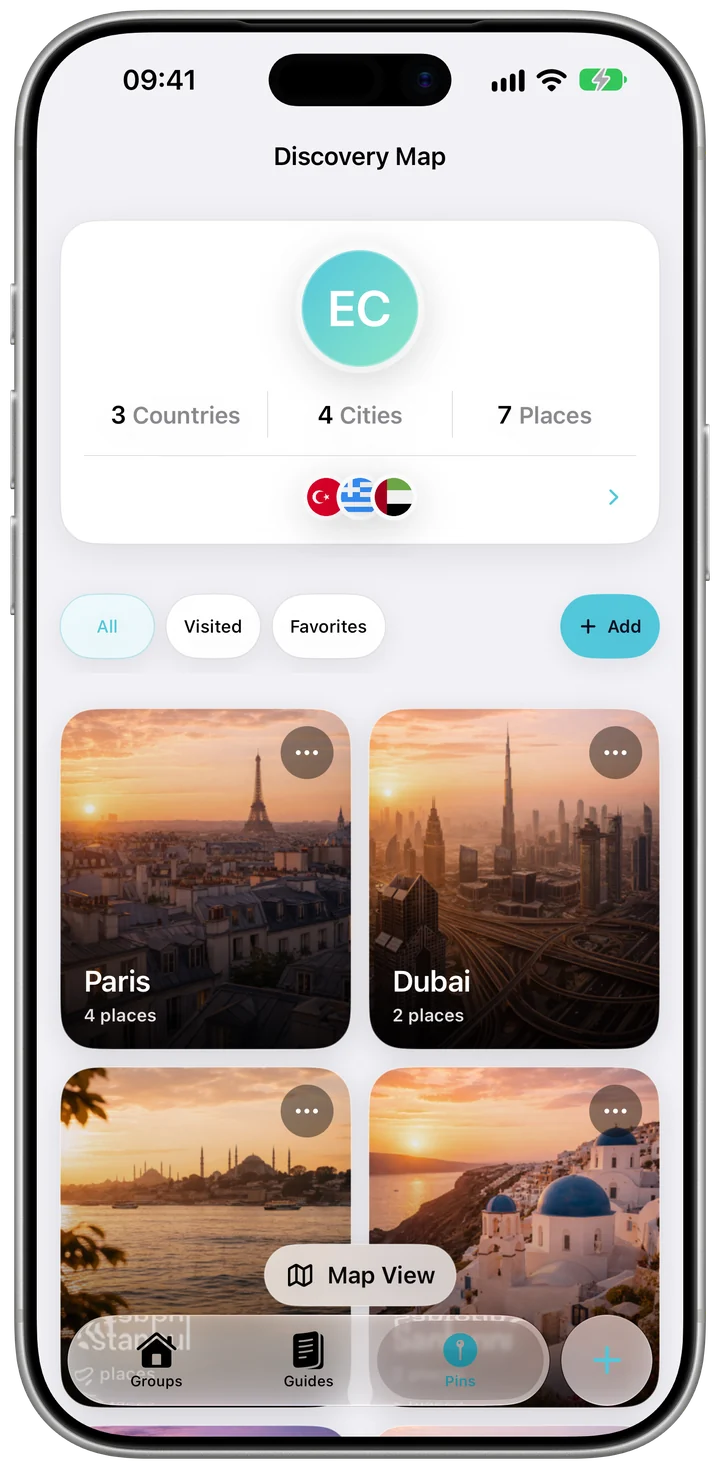
All your places on one map
Filter the Discovery Map by All, Visited or Favourites to see where you've been or what's still on the list.
Travel map for iPhone
Pin places as you travel or from home: a beach, a restaurant, a viewpoint. Mark them visited or favourite, and the countries you've been to fill in My Kordy Book.
 Free to start · No ads
Add a place on the Pins tab, or share it from another app with Add to Kordy in the share sheet.
Mark places as visited or favourite and give them a category: beach, museum, restaurant, viewpoint and more.
My Kordy Book collects the countries you've visited by year, and you can share it.
Filter the Discovery Map by All, Visited or Favourites to see where you've been or what's still on the list.
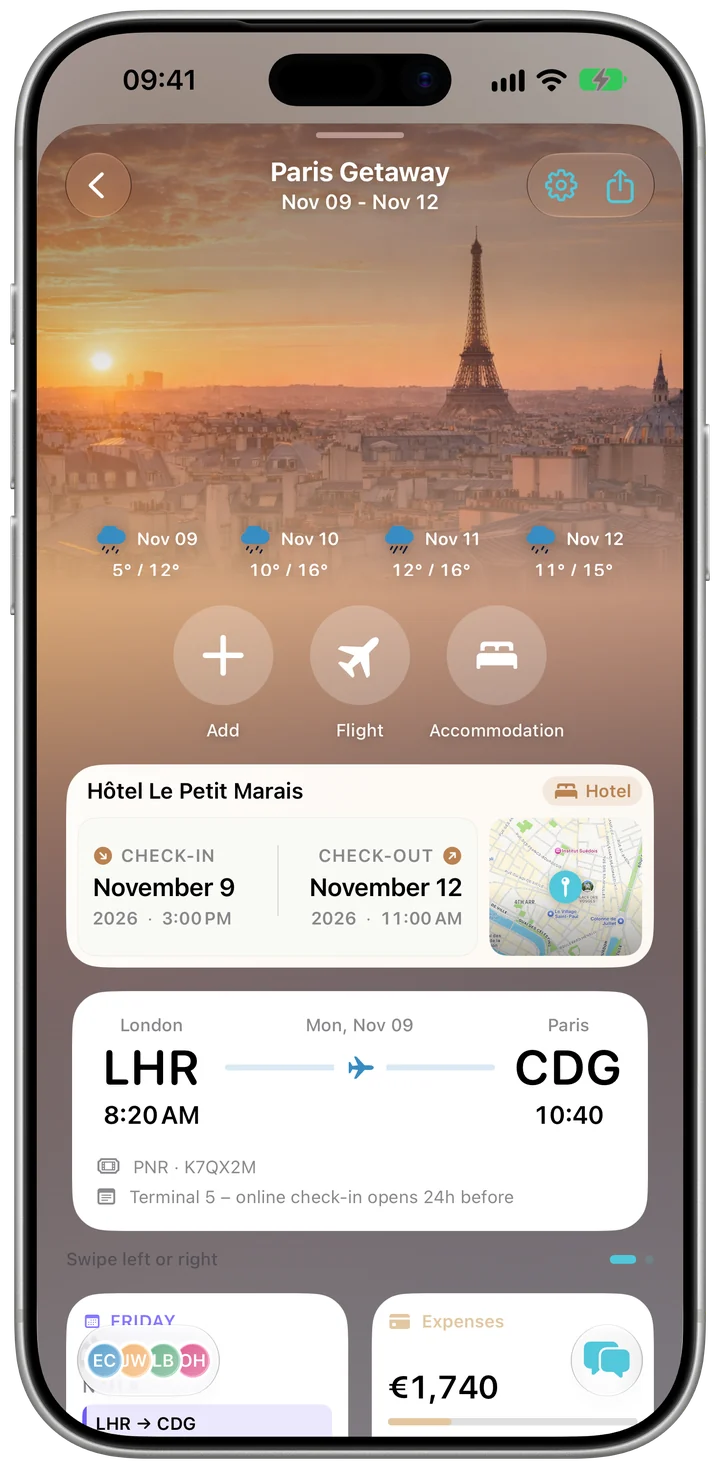
A place you send to Kordy from another app can go to your pins or straight into a trip's plan, so the wish list turns into a day of the trip.
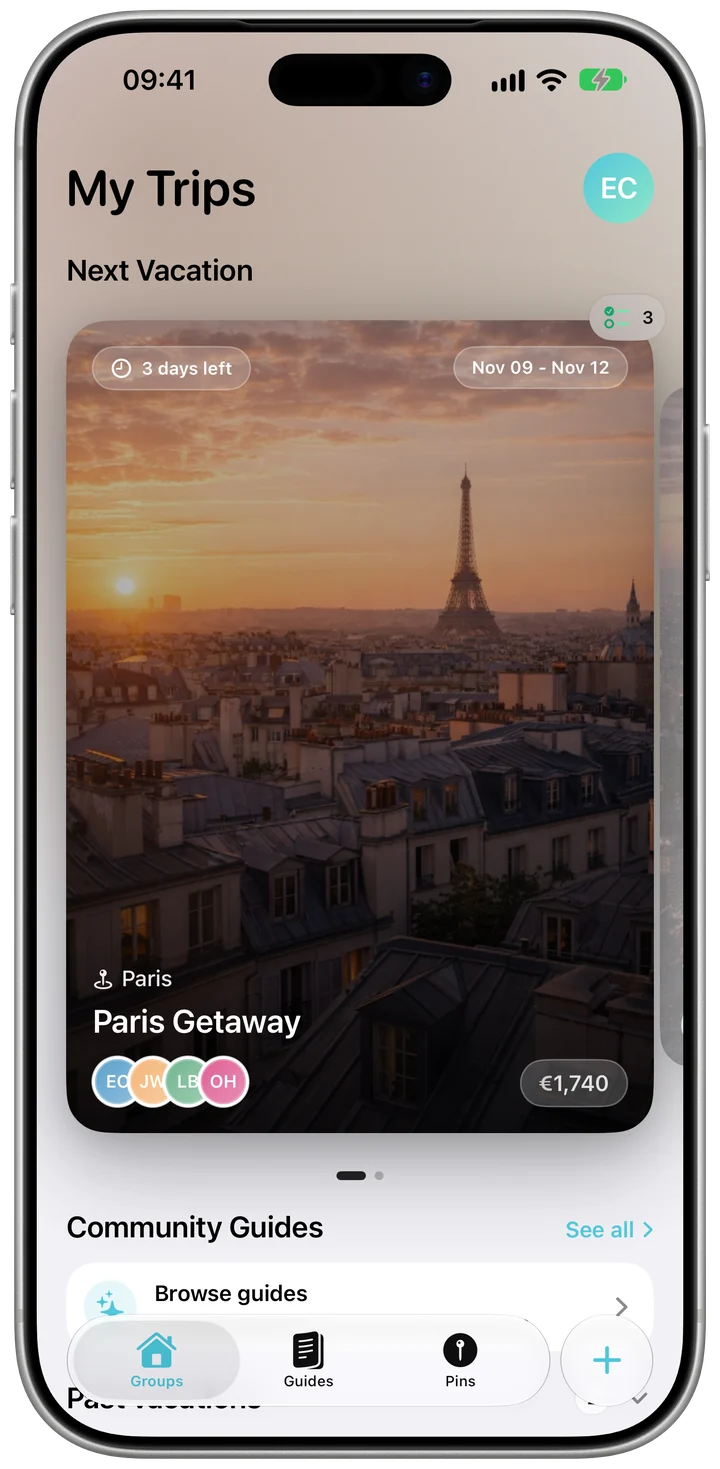
Your trips and your pins stay together in one app, year after year.
With Kordy Pro you can also import places from a link: Google Maps lists, Instagram or TikTok posts and web pages.
Yes. Pins, categories, the Visited and Favourites filters and My Kordy Book are free, with no ads.
You can share My Kordy Book, the summary of the countries you've visited.
Yes. Use Add to Kordy in the share sheet to save a place, or, with Kordy Pro, Import from Link to bring in the places from a Google Maps list, an Instagram or TikTok post or a web page.
No. Pins don't need a trip; you can add the places you visited years ago or want to see one day.
Free on the App Store for iPhone and iPad. No ads.